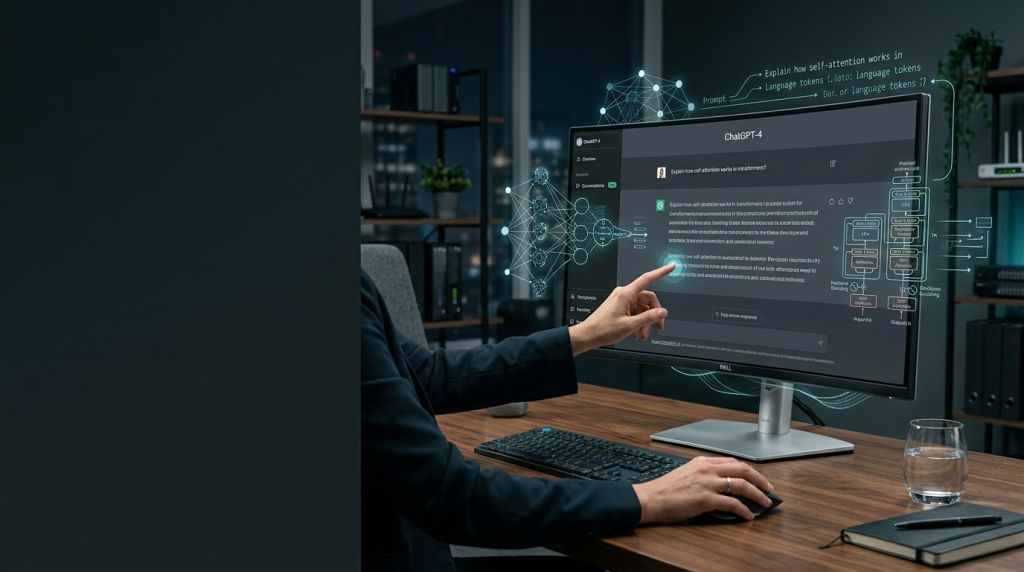
Because why settle for a bland stock photo when a robot can conjure something… “original” for you?
Introduction
You’ve probably seen those eerily perfect AI‑generated pictures floating around social media and thought, “I could do that… if I knew how.” Fear not, intrepid newcomer. In this guide we’ll demystify the whole process, from picking a platform to tweaking prompts until the algorithm finally stops spitting out a purple‑eyed cat in a tuxedo. By the end, you’ll be able to summon visual content on demand—no artistic degree, no soul‑crushing hours of Photoshop required.
1. Choose the Right AI Art Engine
| Platform | Free Tier? | Best For | Notable Quirks |
|---|---|---|---|
| Midjourney | Yes (limited) | Stylized, cinematic looks | Discord‑only interface; slower on busy servers |
| Stable Diffusion | Yes (self‑host) | Full control, privacy | Requires a decent GPU or cloud credits |
| DALL·E 3 (OpenAI) | Yes (limited credits) | Precise, photorealistic outputs | Text‑to‑image guardrails can be… restrictive |
| Craiyon | Yes (always) | Quick, meme‑grade experiments | Low resolution, but great for brainstorming |
Pick one that matches your patience level and hardware budget. If you’re not ready to tinker with GPUs, stick with a web‑based service like DALL·E or Midjourney.
2. Understand Prompt Engineering
The magic lies in the prompt—your AI‑friendly “order of the day.”
- Subject – What’s the main object? “A vintage typewriter”
- Style – Paintings, photography, cyberpunk, watercolor? “in a neon‑lit cyberpunk city”
- Details – Lighting, mood, perspective. “backlit by rain‑slick neon, low angle”
- Quality Tags – Resolution, realism, “ultra‑sharp,” “8K.”
Example Prompt:
A vintage typewriter perched on a rainy neon‑lit cyberpunk street, low angle, dramatic backlighting, ultra‑sharp 8K photorealism.Play with commas, adjectives, and even artistic references (e.g., “in the style of Hayao Miyazaki”). The AI loves specificity—vagueness yields… well, vague.
3. Generate, Review, Refine
- Submit the prompt.
- Inspect the four initial variations (most services give a grid).
- Upscale the one you like most, or ask for “variations” to explore nearby ideas.
- Iterate: tweak wording if the AI missed the mark.
- Too many cats? Remove “cats.”
- Want a different mood? Swap “dramatic” for “serene.”
Remember: the algorithm is not mind‑reading; it’s a sophisticated autocomplete on steroids.
4. Legal & Ethical Quick‑Check
- Copyright: Most platforms grant you commercial rights, but read the fine print.
- Bias: AI may unintentionally reinforce stereotypes—scrutinize the output.
- Attribution: When in doubt, credit the tool (e.g., “Image generated with Midjourney”).
A quick ethical audit prevents future cringe‑worthy headlines like “AI‑generated image leads to lawsuit.”
5. Fine‑Tuning & Post‑Processing
Even the best AI output can benefit from a human touch.
- Crop & Resize in a free editor (GIMP, Photopea).
- Color‑grade to match your brand palette.
- Add Text or overlays using Canva or Illustrator.
If you have a steady workflow, consider training a custom Stable Diffusion model on your own image library—yes, you can teach a machine your particular aesthetic.
6. Practical Use Cases
| Scenario | Prompt Sample | Why It Works |
|---|---|---|
| Blog Header | “A serene sunrise over a misty forest, soft pastel colors, 4K illustration” | Sets tone without royalty fees. |
| Social Media Meme | “A grumpy cat wearing a tiny business suit, caption: ‘When the client asks for ‘just a tweak’” | Quick, shareable, brand‑friendly humor. |
| Product Mockup | “A sleek stainless‑steel smartwatch on a marble tabletop, soft rim lighting, photorealistic” | Professional look for pitches. |
| Presentation Slide | “Isometric view of a futuristic office hub, pastel palette, minimalist design” | Elevates slides beyond bullet points. |
Conclusion
Creating AI‑generated images is less sorcery and more disciplined prompting—think of yourself as a director giving a very literal, literal‑minded assistant instructions. Pick a platform, craft a precise prompt, iterate, and give the final product a human polish.
Now that you’ve got the basics, go forth and flood the internet with your own brand of algorithmic art. Remember: the only limit is how specific you can be—and how many coffee‑powered late‑night revisions you’re willing to endure.
Ready to test the waters? Fire up your chosen AI, type a prompt, and share your first creation in the comments. Let’s see whether your imagination (or your sarcasm) can outwit the machine.
Happy prompting, fellow digital Picassos!